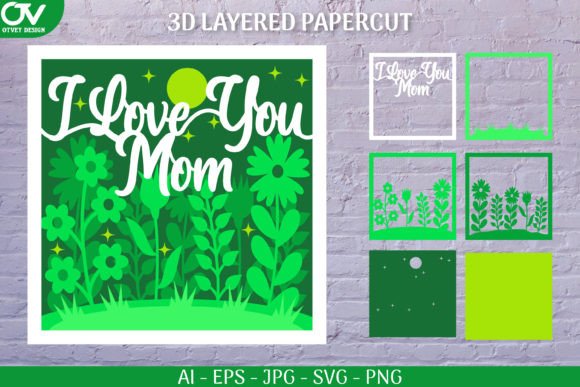
Exploring the 3D Shadow Box Floral I Love You Design for Modern Crafting
The resurgence of handmade, personalized decor has shifted significantly toward dimensional art. Among the most popular trends in this space is the 3D Shadow Box Floral I Love You design. This specific aesthetic combines layered paper cutting techniques with romantic typography and botanical elements to create a piece that offers depth and visual interest. For crafters, designers, and DIY enthusiasts, understanding the nuances of this design format is essential before committing time and materials to a project.
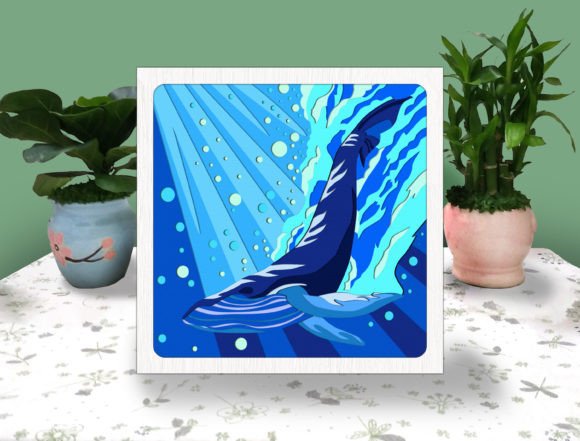
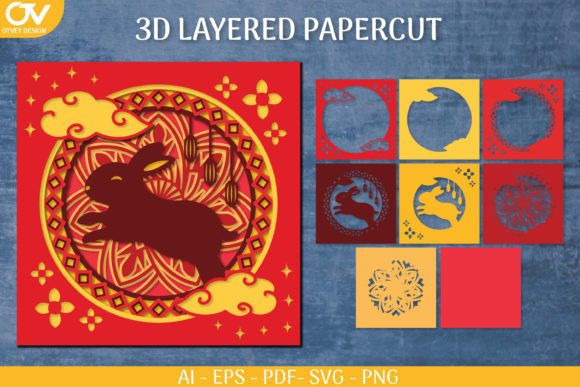
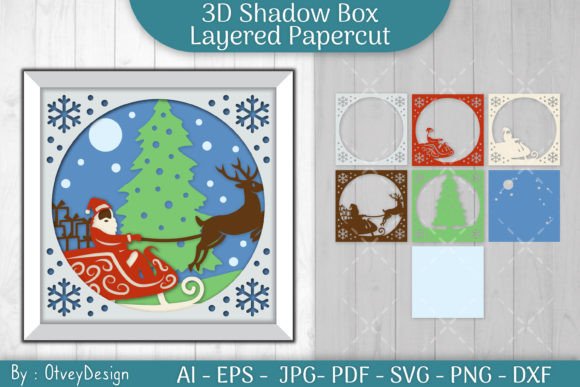
Unlike flat prints or standard vinyl decals, a shadow box design relies on the strategic stacking of multiple layers. Each layer is slightly offset or separated by spacers, creating a sense of three-dimensionality when viewed from the front. The "Floral I Love You" variation typically features intricate flower petals, leaves, and stems that frame or intertwine with the central message. This complexity requires precise cutting and thoughtful assembly, making it a distinct category within the broader world of paper crafts.
Evaluating Digital Formats and Compatibility
When sourcing digital assets for such projects, the file format is just as critical as the design itself. The 3D Shadow Box Floral I Love You is often distributed as part of a comprehensive digital package, typically within a ZIP archive. Understanding what is included in these packages helps users determine if the product aligns with their existing tools and workflow.
Most professional-grade downloads include a variety of vector and raster formats to ensure compatibility across different software ecosystems. For instance, SVG (Scalable Vector Graphics) files are the industry standard for users operating electronic cutting machines like Cricut or Silhouette. These files allow the software to recognize cut lines precisely, ensuring that intricate floral details are not lost during the cutting process. Without an SVG, users might struggle with jagged edges or misaligned layers, which can ruin the 3D effect.
However, not every crafter uses a digital cutter. For those who prefer traditional methods, high-resolution raster images are invaluable. A typical package might include a JPEG at 3000x2000 pixels or a PNG at 2804x2804 pixels. These resolutions are sufficient for printing templates that can be traced and cut by hand using an art knife. Additionally, vector formats like EPS6 and Adobe Illustrator files (often sized around 750x500 units) cater to professional graphic designers who may wish to modify the design’s scale or adjust individual elements before production.
- SVG: Best for Cricut, Silhouette, and other CNC cutting machines.
- PNG/JPEG: Ideal for manual tracing, sublimation printing, or digital mockups.
- EPS/AI: Suitable for professional editing in Adobe Illustrator or CorelDRAW.
Comparison: Digital Cutting vs. Manual Craftsmanship
Choosing how to produce the 3D Shadow Box Floral I Love You design involves a trade-off between precision and accessibility. Electronic cutting machines have revolutionized this craft, allowing for repeatability and speed. When using a Cricut or similar device with the provided SVG file, the machine handles the intricate curves of the floral elements with consistent accuracy. This is particularly beneficial for complex shadow boxes where each layer must align perfectly with the next. A slight deviation in one layer can disrupt the entire visual depth of the piece.
Conversely, manual cutting using an art knife offers a different set of advantages. It requires no initial investment in expensive hardware or software subscriptions. For individuals who only occasionally engage in paper crafts, buying a digital file and cutting it by hand can be more cost-effective. However, the learning curve for achieving clean, smooth cuts on delicate floral patterns is steep. Paper fibers can tear, and small details may be difficult to extract without specialized tools like weeding hooks or fine-tip blades.
Another consideration is material versatility. Cutting machines often handle cardstock, vinyl, and thin acetate with ease, enabling crafters to experiment with translucent layers that catch light differently. Manual cutting is generally limited to paper and cardstock, as thicker or slippery materials are harder to control without a mechanical grip.
Design Versatility and Application Scenarios
One of the strongest attributes of the 3D Shadow Box Floral I Love You design is its adaptability. While the primary association is with romantic gestures, such as Valentine’s Day gifts or anniversary presents, the design’s structure allows for broader applications. The separation of layers means that users can customize the color palette to suit various interior design styles.
For example, a monochromatic white-on-white scheme creates a subtle, elegant look suitable for modern minimalist homes. In contrast, vibrant, contrasting colors can make the piece pop as a focal point in a eclectic living room. Furthermore, the design can be scaled. Smaller versions work well as greeting cards or gift tags, while larger formats can serve as wall art or centerpiece decorations for events.
It is also worth noting that this design can be adapted for non-paper mediums. With the right equipment, the SVG file can be used to cut wood veneer or acrylic, although this requires more advanced machinery and safety precautions. For most home crafters, however, layered cardstock remains the most accessible and forgiving medium.
Decision Factors: Is This Design Right for You?
Before purchasing or downloading the 3D Shadow Box Floral I Love You files, consider your skill level and intended use. If you are new to shadow box crafting, start with a design that has fewer layers. Complex floral arrangements with many small petals can be frustrating for beginners, regardless of whether they are using a machine or cutting by hand. Look for tutorials or community forums that discuss assembly tips, such as using foam tape spacers to create uniform depth between layers.
Additionally, evaluate the licensing terms of the digital product. Most personal-use licenses allow you to create items for yourself or as gifts, but selling finished products made from these files may require a commercial license. Always read the terms included in the ZIP file or on the seller’s platform to avoid intellectual property issues.
If you do not have a cutting machine, assess your patience and precision with an art knife. Practice on scrap paper first to understand how the blade interacts with the grain of the cardstock. Rotating the paper rather than the knife often yields smoother curves, a technique that is crucial for the organic shapes found in floral designs.
Practical Tips for Assembly and Finishing
Successfully bringing the 3D Shadow Box Floral I Love You to life depends heavily on the assembly process. Here are some practical steps to ensure a professional finish:
- Layer Organization: Before gluing, lay out all cut pieces in order. Label the back of each layer if necessary to prevent confusion during assembly.
- Spacer Selection: Use foam adhesive squares or strips to create distance between layers. The thickness of the spacer determines the depth of the shadow effect. Consistency is key; ensure spacers are placed evenly to prevent warping.
- Adhesive Choice: Liquid glue can cause paper to warp if applied too heavily. Double-sided tape or dry adhesive runners are often better choices for maintaining the flatness of each layer.
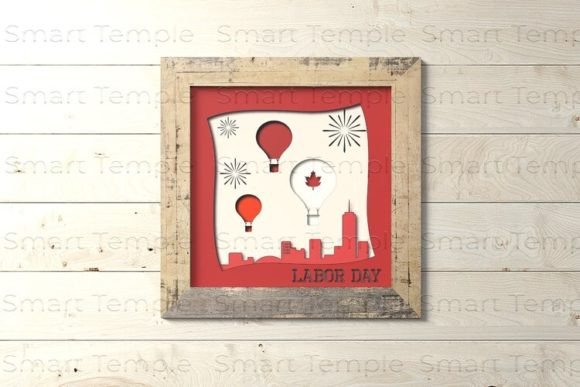
- Framing: A deep shadow box frame is required to accommodate the layered structure. Standard picture frames are too shallow and will crush the design. Measure the total depth of your assembled layers plus a small margin for clearance before purchasing a frame.
In conclusion, the 3D Shadow Box Floral I Love You represents a blend of traditional paper crafting and modern digital convenience. Whether you choose to utilize a Cricut machine with SVG files or prefer the tactile experience of manual cutting with high-resolution PNGs, the result is a personalized piece of art with significant emotional and aesthetic value. By carefully considering your tools, skills, and design goals, you can make an informed decision that leads to a satisfying creative outcome.